Frequently Asked Question
Integrating DeskCamera with VIVOTEK VAST2
Last Updated 16 days ago
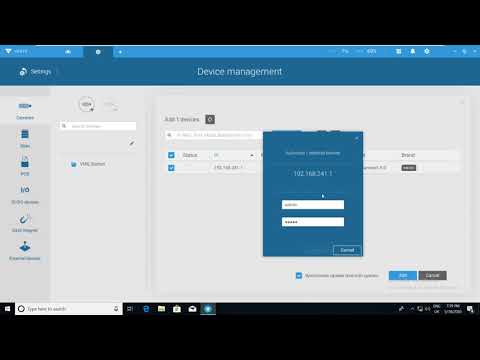
Use this article to add DeskCamera to VIVOTEK VAST2 (the recording system). VAST2 connects by ONVIF.
Before you start, in DeskCamera
Check that Camera Settings shows Started Cameras (1) or more. If it shows Offline, click Start.
Write down the Camera Address (the IP address and port) and the ONVIF User and password. Click the eye button to see the password.
To add one stream by its RTSP URL, copy the URL in Camera details. See Copy the Direct RTSP URL of a Stream.
Video
The video shows how to connect VIVOTEK VAST2 VMS to DeskCamera. Some screens in the video may look different.